What you get: Your data is private, protected and always yours to take.
About 2 minutes
Why it matters
Your financial data belongs to you. You can see where you're signed in, sign out other devices, change your password and download everything in one file at any time.
How it works
- 1Settings → Profile and Workspace show your details.
- 2Security: see how many devices are signed in, sign out others, change your password.
- 3Your data → Download gives you everything as one file. Keep a copy somewhere safe.
- 4Forgot your password? Use “Forgot your password?” on the sign-in page to get a reset link by email.
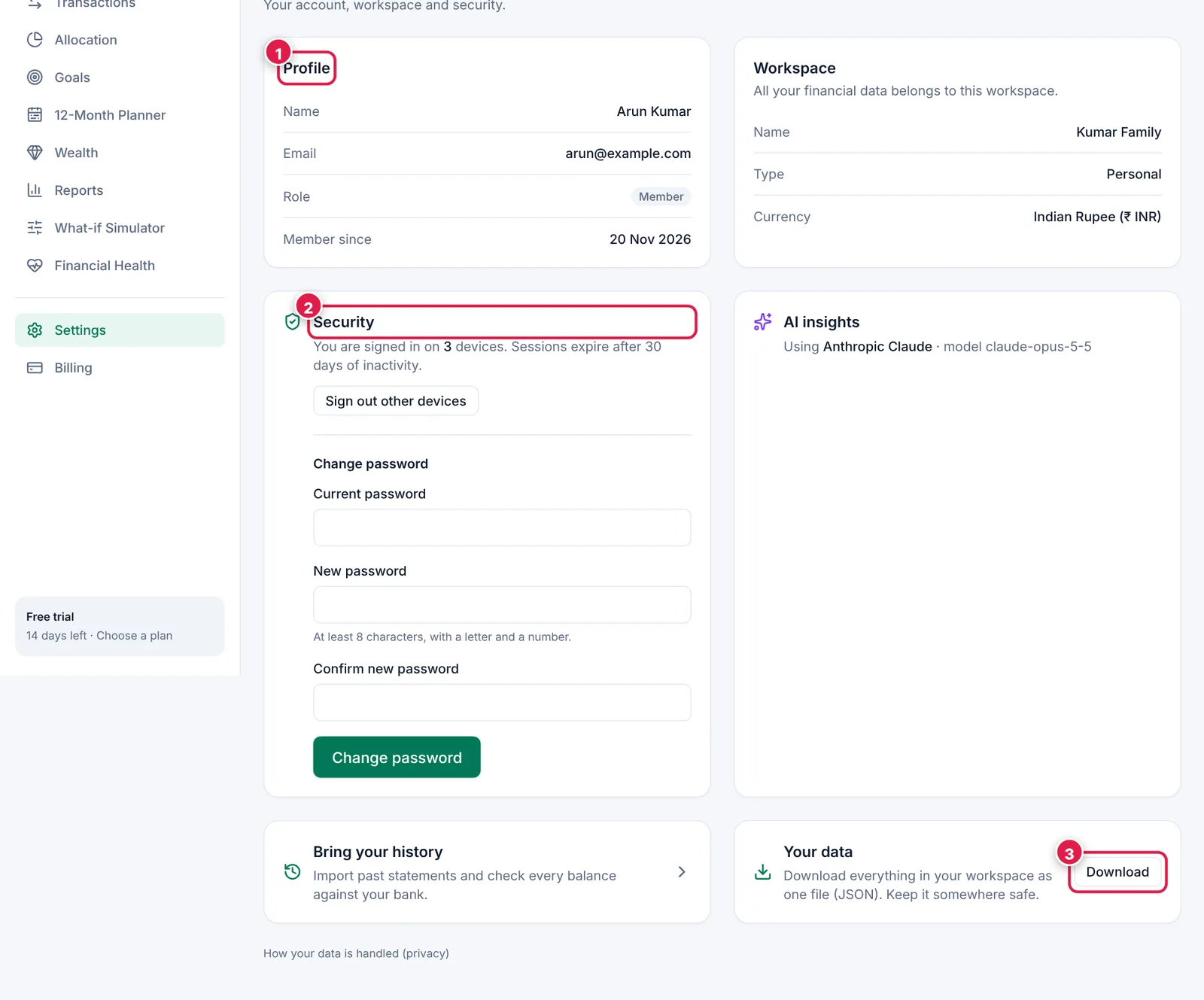
Settings in one place.
- 1. Profile.
- 2. Security.
- 3. Download all your data.
Ready? It takes about 2 minutes.
Start your free trial