What you get: Everything important about this month, at a glance.
About 1 minute
Why it matters
The dashboard answers the questions that matter: did I spend less than I earned, where did the money go, am I on track for my goals, and am I getting richer?
How it works
- 1Spending by category — your biggest spends this month, largest first.
- 2Recent transactions — the latest entries, with a link to all.
- 3Last 6 months — income vs expenses: blue taller than grey means you saved.
- 4Net worth, investments and passive income — and your goals with their status.
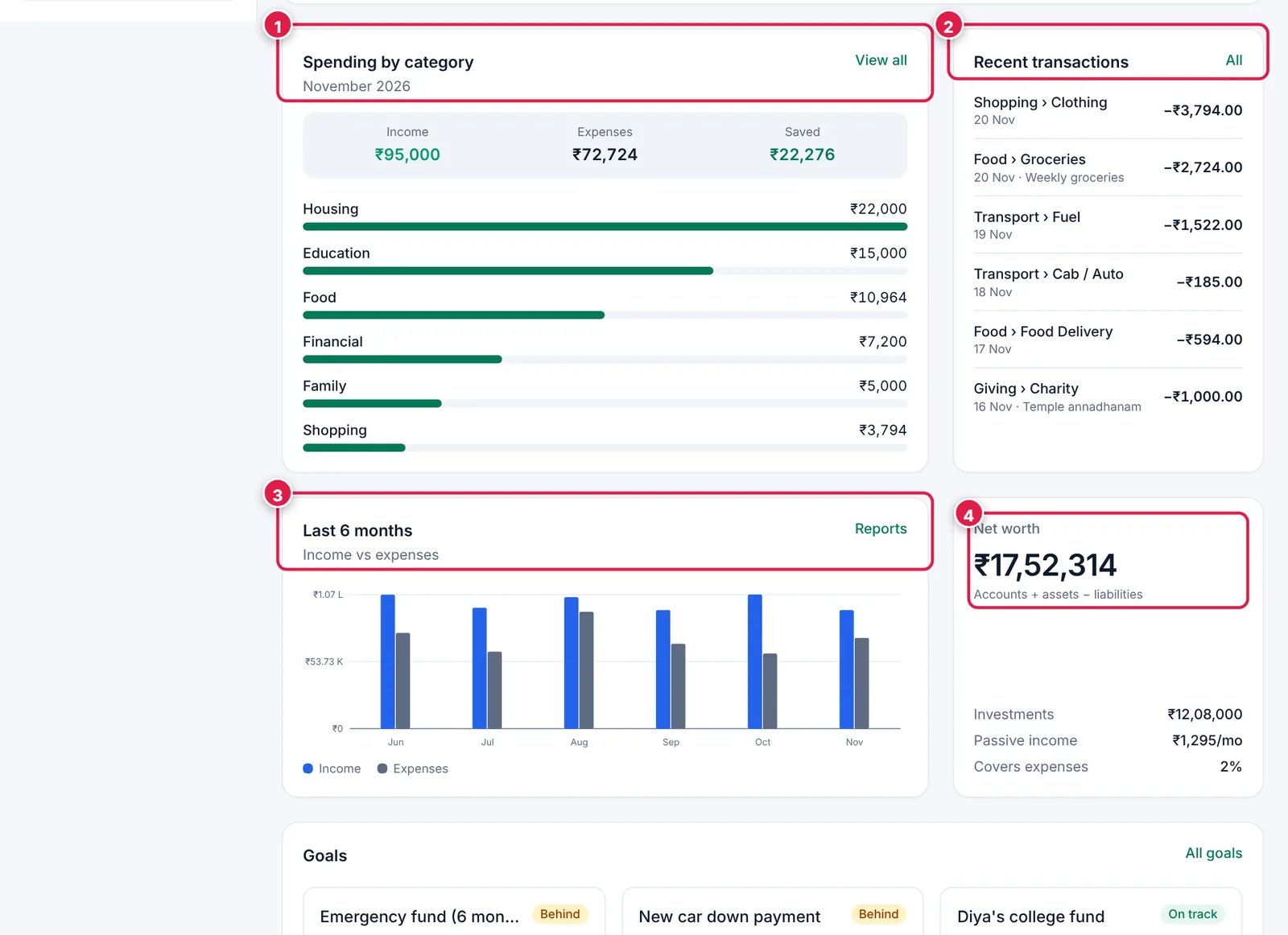
The rest of your home screen.
- 1. Spending by category.
- 2. Recent transactions.
- 3. Last 6 months: income vs expenses.
- 4. Net worth.
Ready? It takes about 1 minute.
Start your free trial